To enable the permission to use tags, follow these steps:
-
On the main toolbar, click
 →
→
 Settings.
The Settings page opens. - Click Roles and Permissions.
The roles and permissions settings appear on the Global Roles tab page. -
In the tab bar, click
Global Permissions.
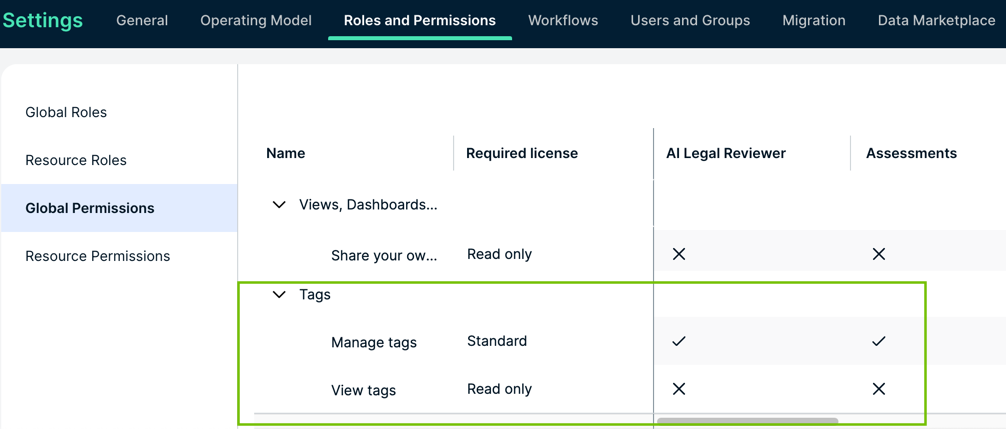
The matrix of global permissions appears. - In the table, find Tags.
- Click the Edit button and check the boxes to which you want to enable permission.
- Click Save.
A user with one of the selected resource roles on an asset can use (add, update and delete) tags on that asset.