You can use the Google Cloud Storage (GCS) file system integration to register GCS as a data source in Collibra and synchronize metadata. GCS is a service provided in the Google Cloud Platform (GCP).
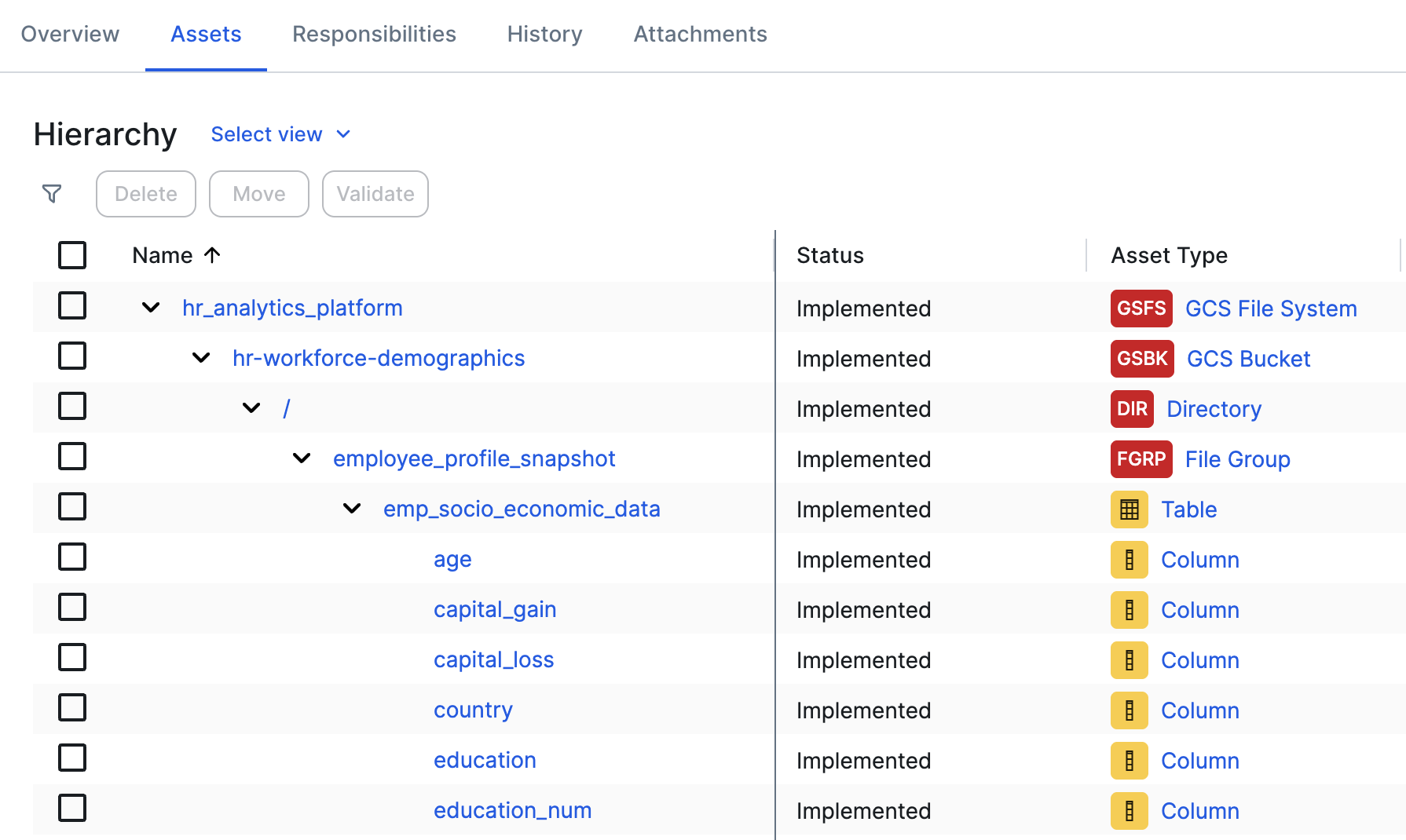
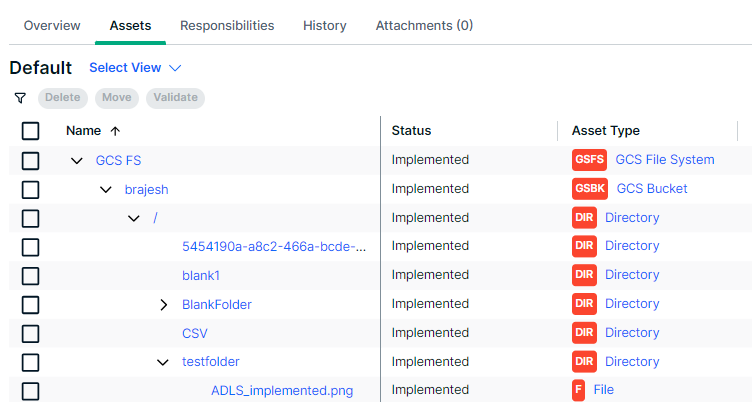
After synchronization, the directories and files of the GCS file system are represented in Collibra by specific asset types, retaining the original names.
Important considerations:
- You cannot profile and classify the integrated tables and columns.
- You can only integrate a Google Cloud Storage file system via Edge, not via Jobserver.
For more information about these Google products, go to the Google Cloud Storage documentation and Google Dataplex documentation.
Google Dataplex integration
The GCS integration supports integrating Google Dataplex, a service used for schema discovery. You can integrate schemas, tables, and columns from files and then create a File Group asset in Collibra rather than having multiple File assets.
- The Dataplex zone in which the GCS buckets are registered must be in the same project as the GCP service account.
- To integrate Dataplex with multi-region or dual-region GCS buckets, Collibra queries all Dataplex lakes and zones in those regions that have an available Dataplex service. The composition of multi-regions and dual-regions as well as the availability of a Dataplex service are hard-coded. If new regions are added or a Dataplex service is made available in new regions, Dataplex information from these regions won't be registered until a new version of the GCS integration feature is released.
- When you add a bucket to Dataplex and Dataplex identifies schemas (tables and columns) for files in the bucket, these tables and columns are also added automatically to Google BigQuery by Dataplex.
For information on how to add a GCS asset to a Dataplex Zone that can then be discovered by the GCS integration, go to the Google Dataplex documentation.
For information on the supported data types, go to the data types Google documentation.