When working on an assessment template, you can specify an asset type to associate with the template, using the Asset type setting in the template. This setting is shown in the sidebar on the Template Designer tab.
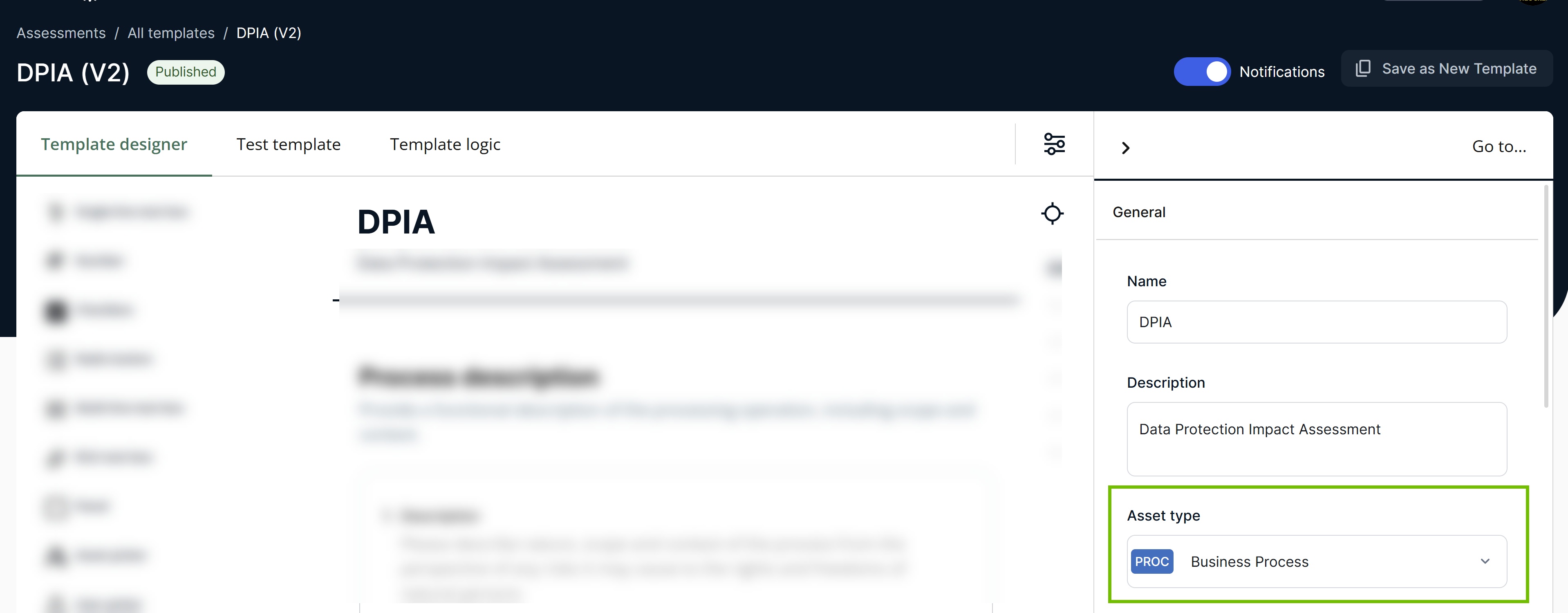
Template with an asset type
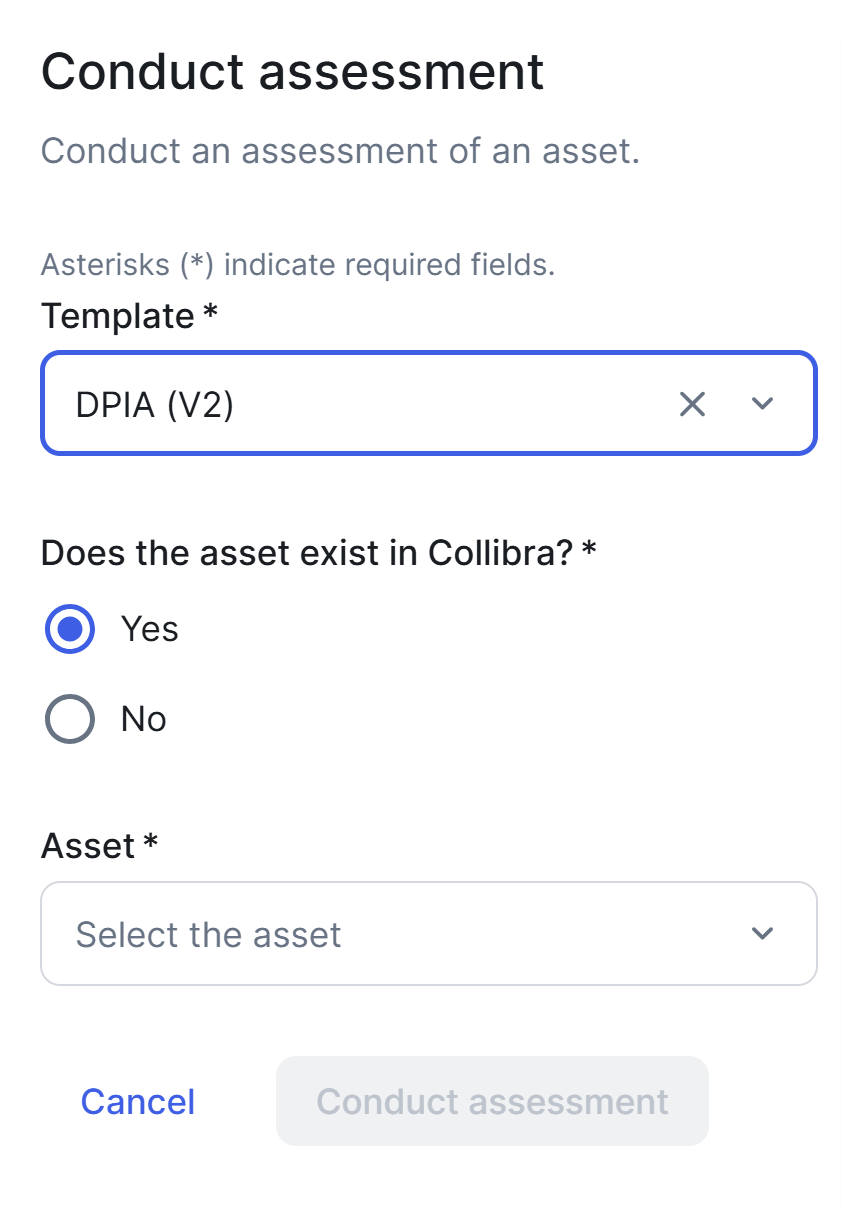
When conducting an assessment using a template that has an asset type defined, users can select and evaluate only assets belonging to the specified asset type or its subtypes.
Even if a template has an asset type, users can choose not to select any asset for an assessment. Instead, they can enter a description of what they want to assess in the Assessment Name field, which shows New Assessment by default.
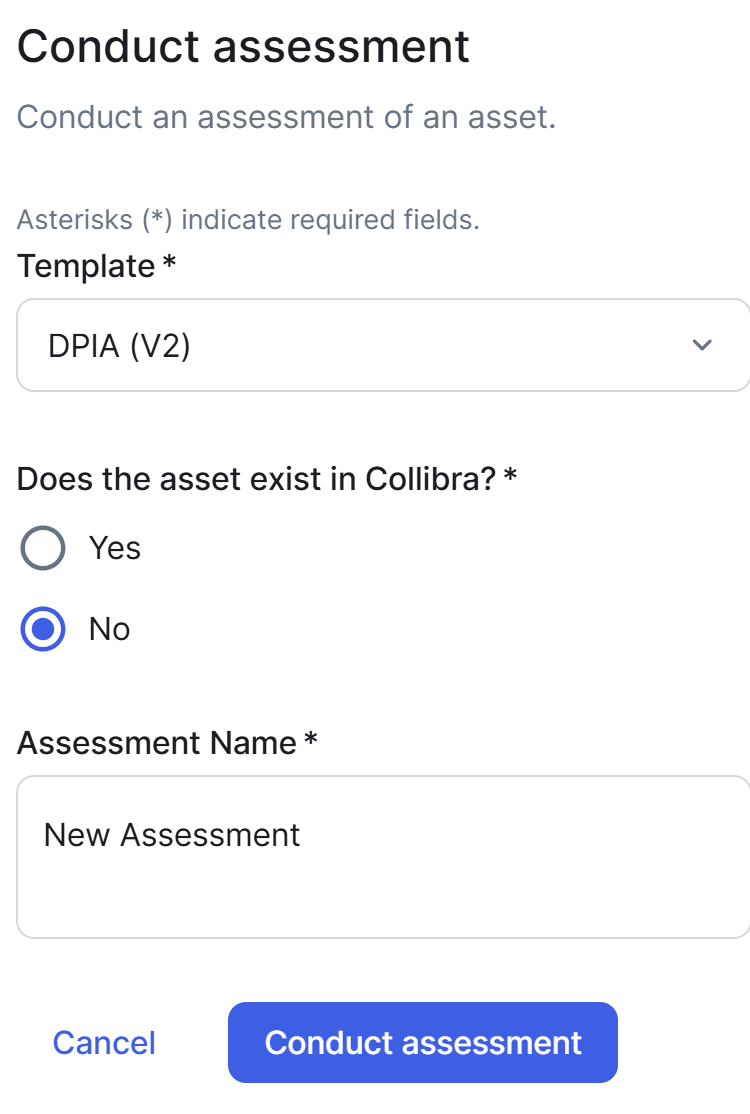
If an assessment conducted without an asset is submitted, the Assessment Review asset that is subsequently created in Collibra doesn't have a relation to an underlying asset.
Template without an asset type
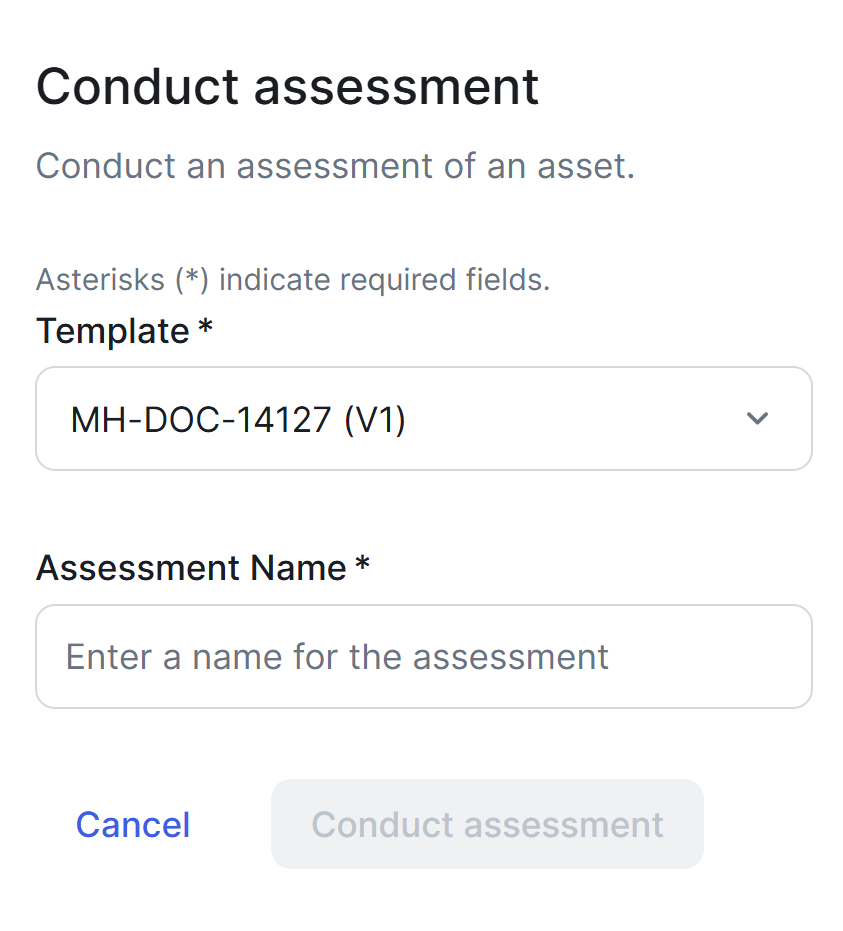
When conducting an assessment using a template that doesn't have an asset type defined, users can enter a description of what they want to assess in the Assessment Name field, which shows New Assessment by default.